
Home › Blog
Tech Tips & News
Tech Gate Blog
Practical tips, guides and news from Windsor’s trusted computer & phone repair shop.
Latest Articles
Advice you can actually use, from our Windsor techs.
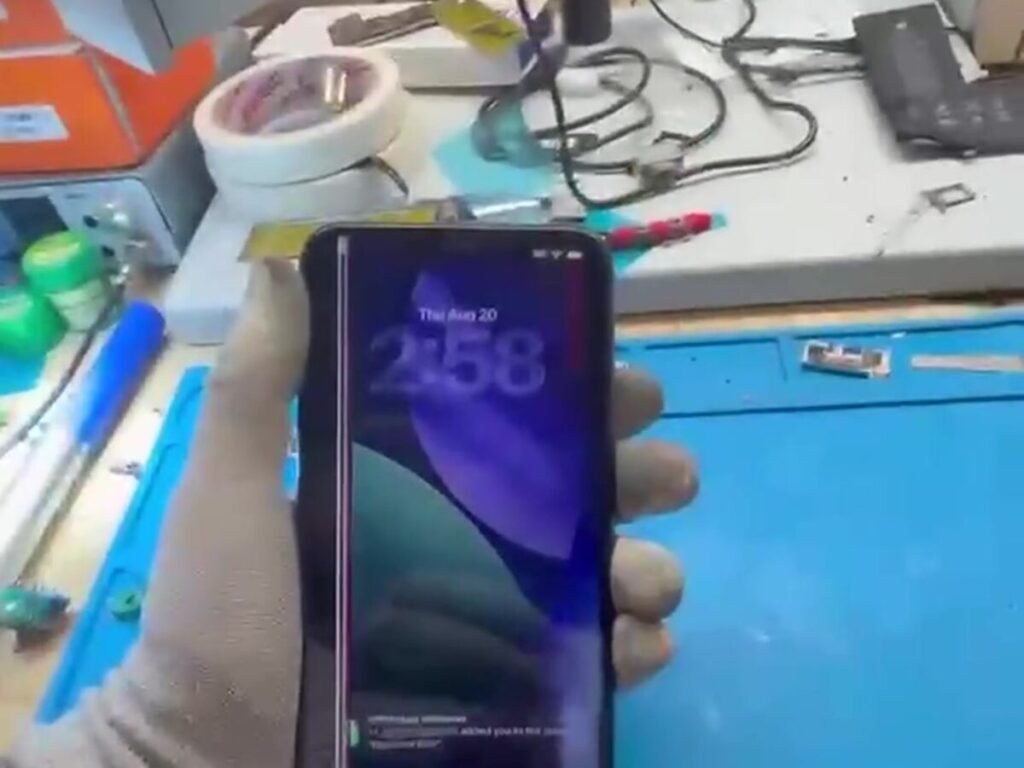
Cracked Screen Repair in Windsor: What It Costs and How Fast You Get It Back
Cracked phone screen in Windsor? Most repairs done same-day in under an hour. What it costs, how long it takes, and when…
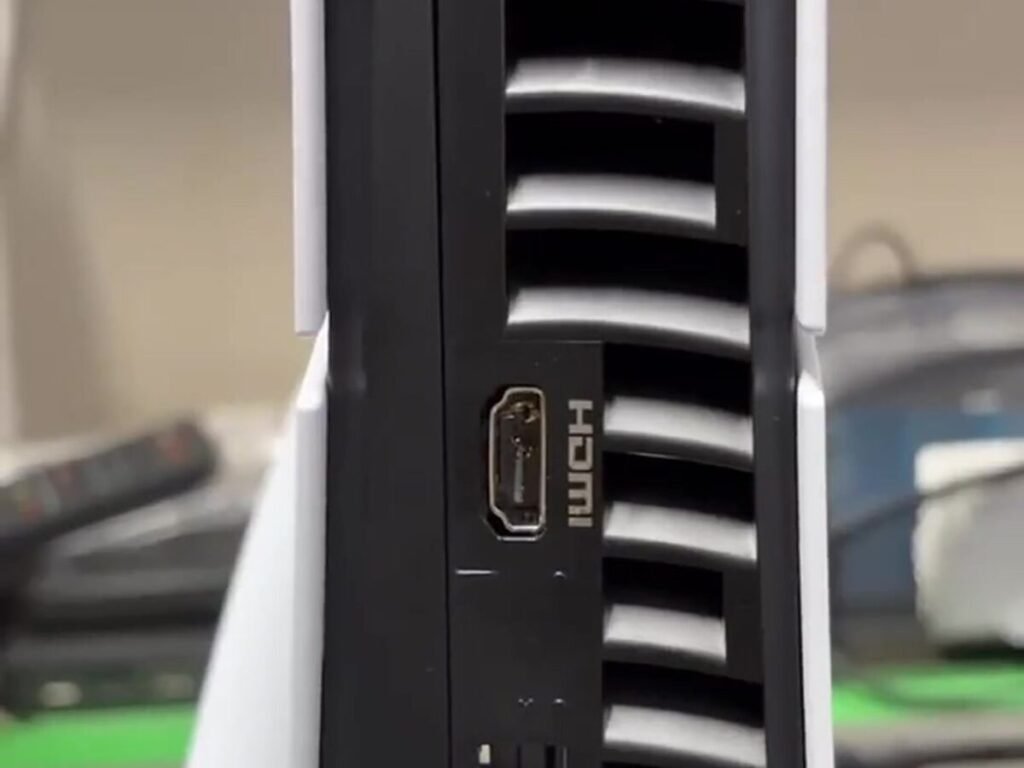
PS5 HDMI Port Repair in Windsor — What It Costs and When It’s Worth It
PS5 showing no signal? It's usually the HDMI port, not the console. Board-level HDMI port replacement in Windsor — $139.99, vs $819.99…

Laptop Repair Near the University of Windsor: A Student’s Guide
Broken laptop mid-semester? Student laptop repair minutes from the University of Windsor campus. Same-day fixes, free diagnostics, 15% off until Sept 22.

How Much Does Computer Repair Cost in Windsor?
What actually determines the price of a computer repair in Windsor – parts, labour, board-level work and part availability – plus which…
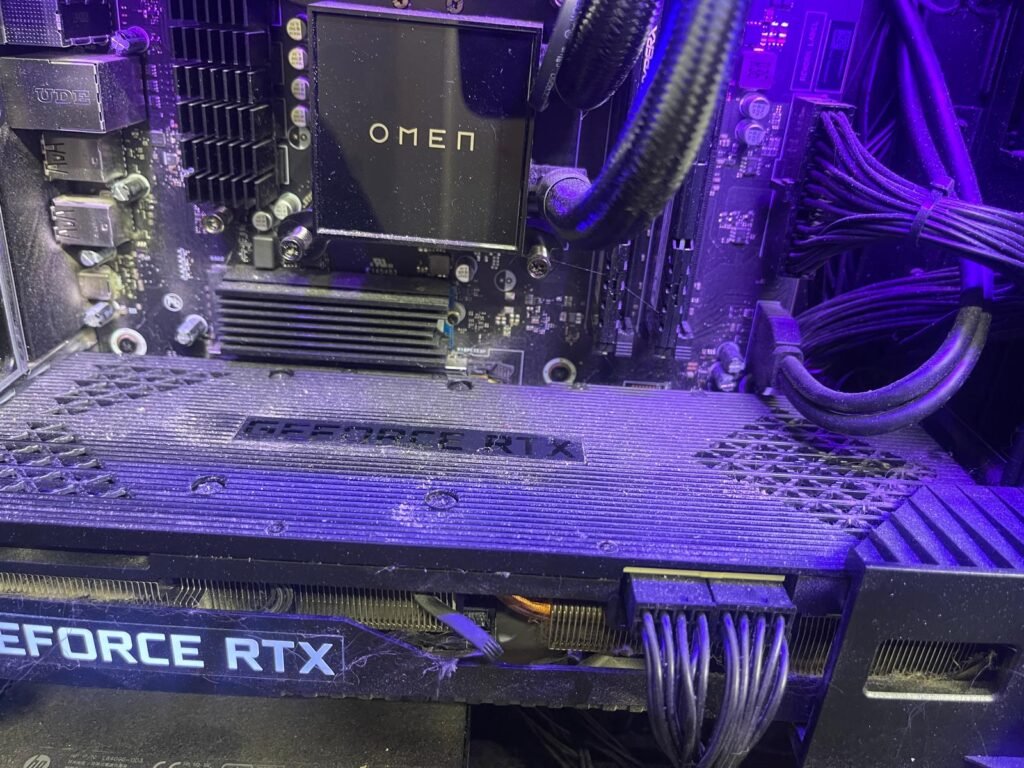
Is Your Gaming PC Underperforming? Here Is Why
Frame rates dropping, stutters mid‑match, or fans screaming under load? A gaming PC that has lost its edge usually has a fixable…

How Often Should You Back Up Your Data?
Ask anyone who has lost years of photos to a dead hard drive and they will tell you: back up sooner, not…

Do You Still Need Antivirus in 2026?
With modern operating systems more secure than ever, a lot of people ask whether antivirus is still worth it. The short answer:…
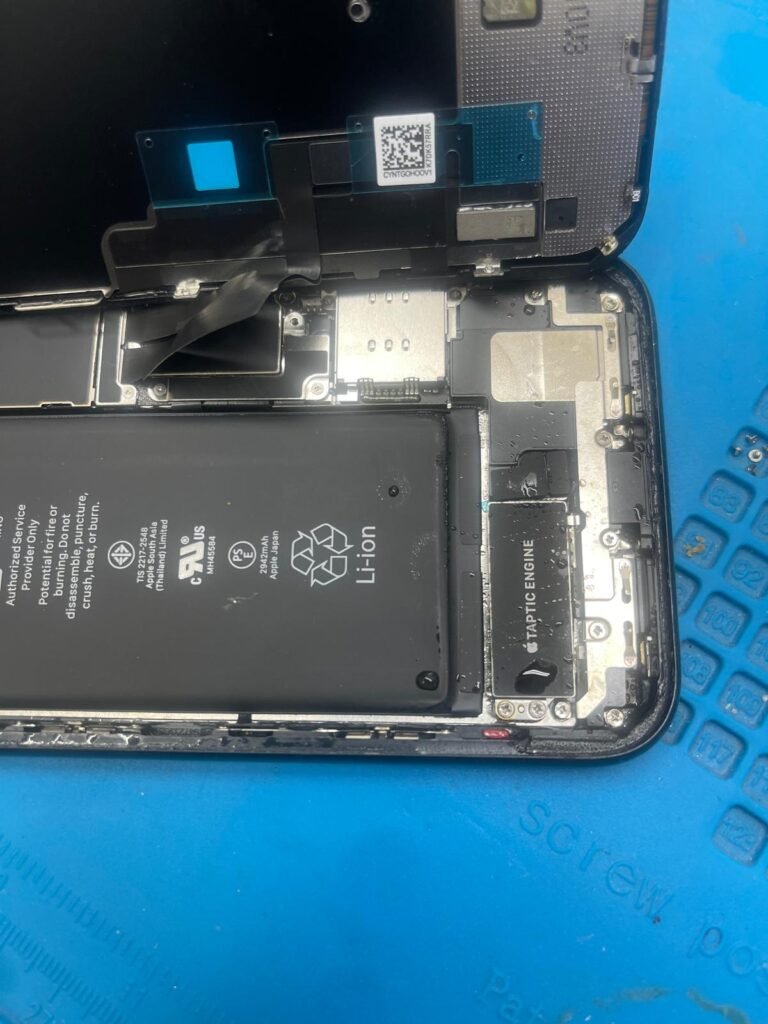
Cracked Phone Screen? Here Is What to Do
Dropped your phone and cracked the screen? Do not panic – and do not keep using it. Here is how to protect…
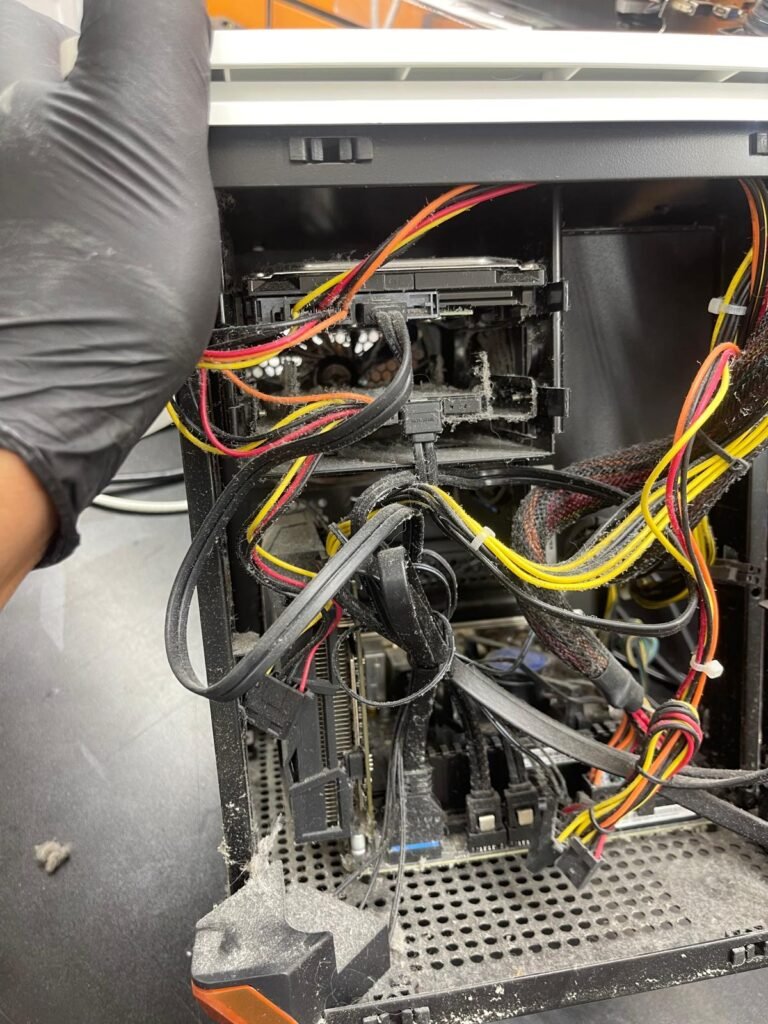
How to Speed Up a Slow Computer
A sluggish computer is one of the most common problems we see – and the good news is it is usually fixable.…
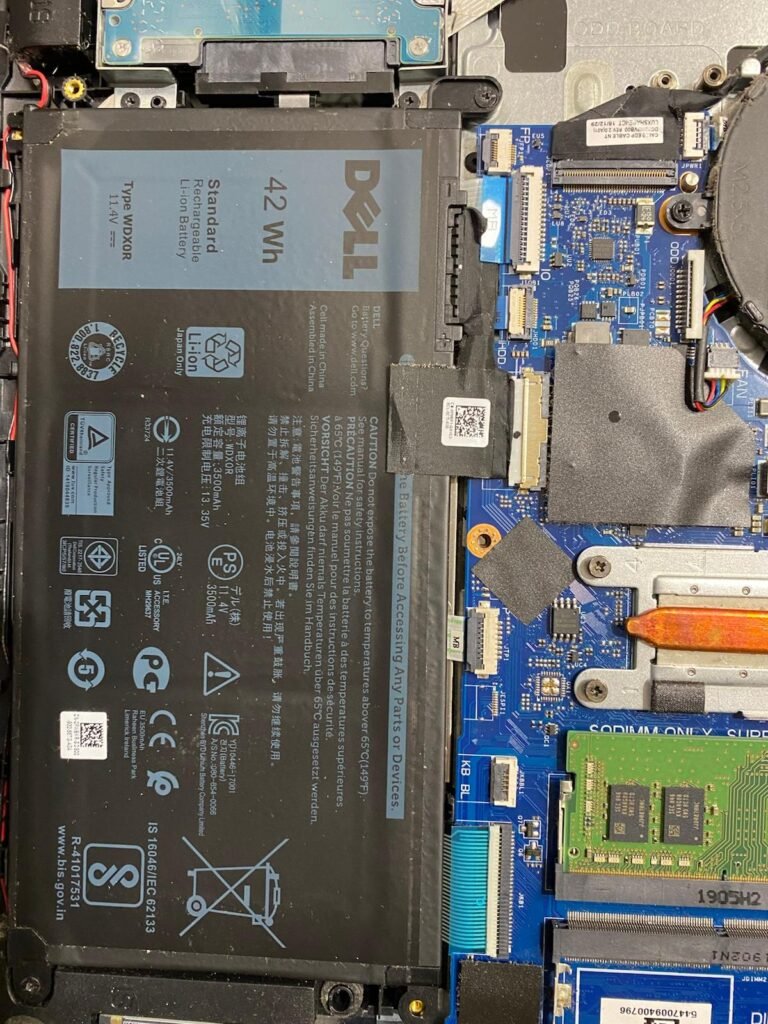
5 Signs Your Laptop Needs Repair
Laptops rarely fail overnight – they warn you first. If your laptop is doing any of the following, it is time to…
Why Choose Tech Gate Computers?
Expert Technicians
Certified & experienced professionals.
Fast Turnaround
Most repairs completed same-day.
Warranty Included
90 days on parts and labour.
Fair Pricing
Transparent quotes, no hidden fees.
Customer First
Your data and your time, respected.
Need a hand with your device?
Free diagnostics · same-day service · 90-day warranty.