
Blog › Mobile
Mobile
Cracked Phone Screen? Here Is What to Do
By Tech Gate Computers · August 1, 2026 · 3 min read
Dropped your phone and cracked the screen? Do not panic – but do not carry on using it as though nothing happened either. What you do in the first hour genuinely affects how much the repair costs and whether your data stays safe. Here is what to do, in order.
1. Stop using the cracked glass
Swiping across broken glass pushes shards further out, cuts fingers, and works fragments down into the display assembly and the seals. If you must use the phone briefly, a piece of clear packing tape over the crack holds the glass together and keeps it out of your fingertips. That is a temporary measure to get you to the shop – not a fix.
2. Back up your data right now
This is the step people skip and regret. A cracked screen can still be readable today and completely unresponsive tomorrow, and if the touch layer dies before you have backed up, retrieving data becomes far more involved. Back up to iCloud or Google, or plug into a computer and copy your photos across while the screen still responds.
If the touch has already stopped working, bring it in and say so – there are still options, but they get harder the more the phone is used.
3. Look for signs the damage is more than cosmetic
Check for these before you decide it is “just the glass”:
- Areas of the screen that do not respond to touch
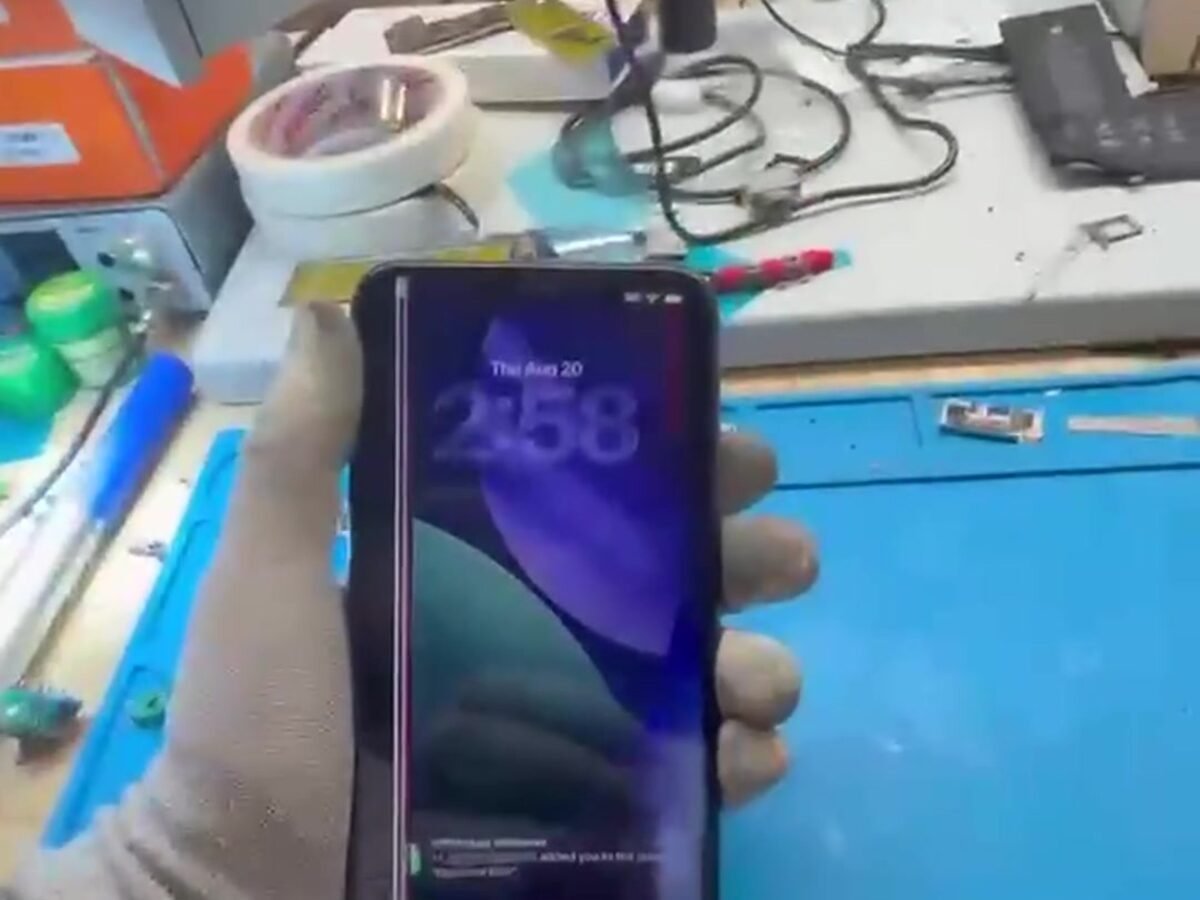
- Black patches, bleeding colour, or lines across the display
- The screen lifting away from the frame, or a gap at the edges
- A flickering or dimming backlight
Any of these usually means the damage has reached the display panel or digitiser under the glass, not just the outer layer. That is still repairable – it just changes which part is needed.
4. Think twice about DIY kits
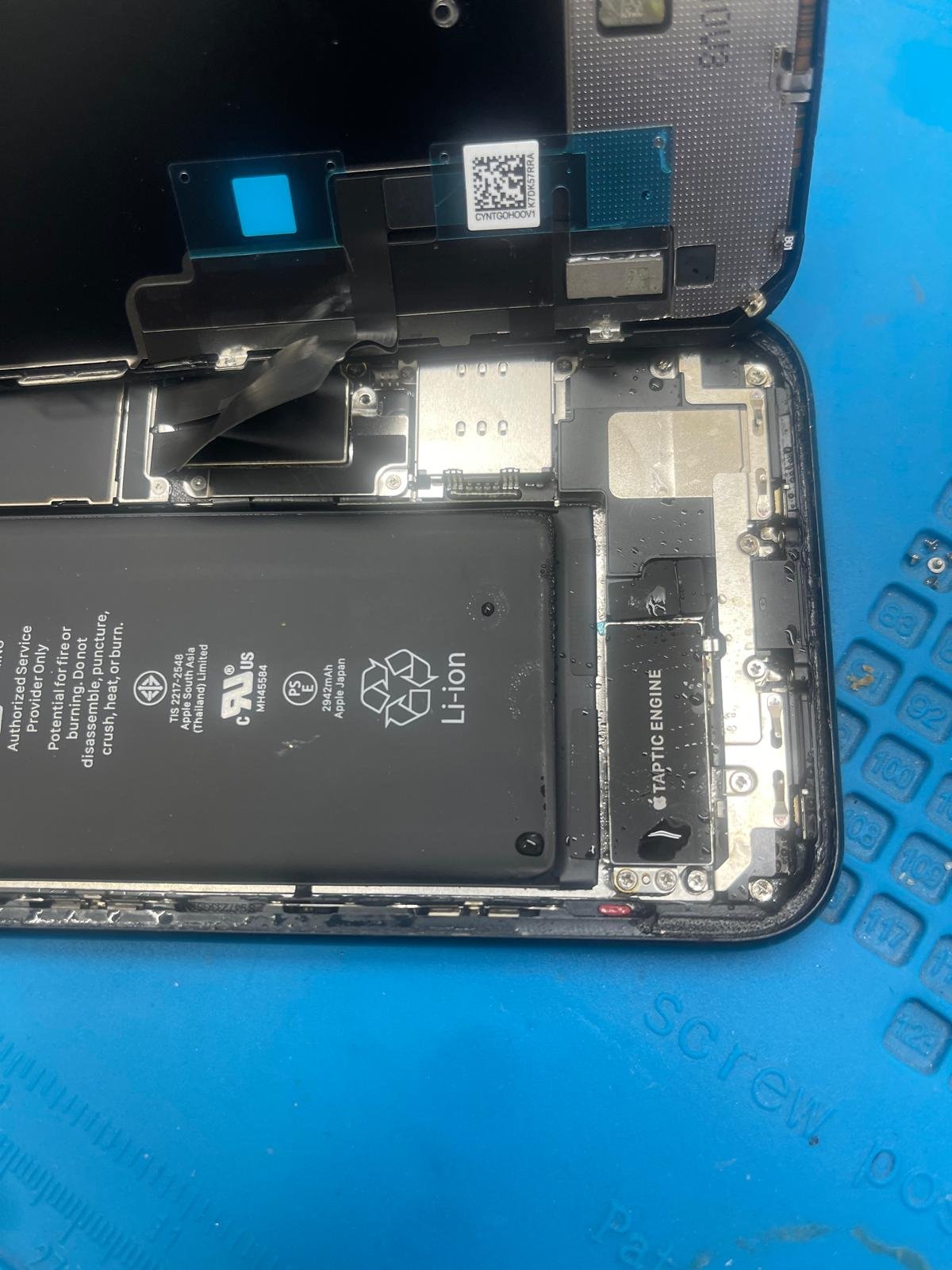
Screen kits look cheap until something goes wrong. The common outcomes we see are torn or over-stretched display connectors, a punctured battery from prying in the wrong place, missing waterproofing adhesive, and disabled features because a small component was not transferred to the new part. On many modern phones, delicate parts sit directly under the screen and are easy to damage without the right tools and heat.
If the phone is old and you enjoy tinkering, fair enough. If you rely on it daily, a professional replacement is usually the cheaper path once you account for the risk.
5. What a proper screen replacement restores
Done correctly, replacing the screen restores full touch sensitivity across the panel, correct brightness and colour, and the water-resistant seal where the design allows for it. Face ID or fingerprint hardware is transferred properly so the features you rely on keep working, and the frame is checked so the new screen sits flat rather than under tension.
Should you repair it or replace the phone?
If the phone is otherwise healthy and holds a charge, a screen replacement is nearly always the better value – a screen costs a fraction of a new handset. It tips the other way when the phone is already very old, the battery is worn out, and there is separate liquid or board damage. Bring it in and we will tell you honestly which situation you are in.
Related: screen replacement, battery replacement and charging port repair.
How it works at our Windsor shop
Walk in during business hours – no appointment needed. We will test the phone, tell you exactly what it needs and what it costs before starting, and many screen repairs are done while you wait. Every repair is backed by our 90-day warranty, and if we cannot fix it, you do not pay for the repair.
Cracked screen? We repair iPhone, Samsung and most Android phones – many while you wait.
Phone repair in Windsor · Call 226-260-5509 · Book a drop-off
Want the pricing and turnaround details? See Cracked Screen Repair in Windsor: What It Costs and How Fast You Get It Back.
Get started
Ready to get your device fixed?
Book a drop-off in under a minute, or check your repair status any time — free diagnostics, no-fix no-fee, and a 90-day warranty.

Leave A Comment